
Blog
What Is AgTalk? A Simple Guide for Farmers

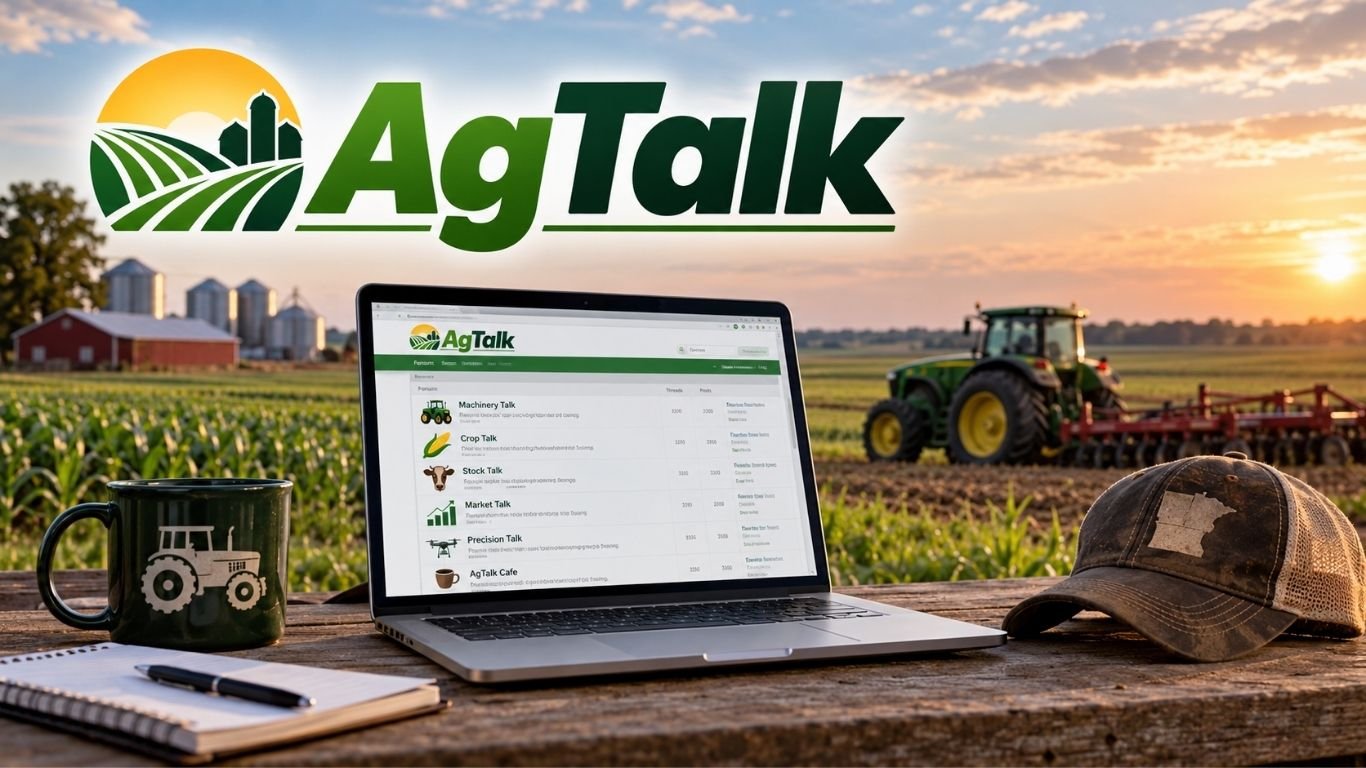
AgTalk is an online forum where farmers, ranchers, and farm experts share tips and advice. The site began in 2000 and covers crops, livestock, machinery, and farm markets. Members can ask questions, discuss farm problems, and learn from other farmers.
The forum has separate boards for each farming topic. It also offers farm equipment listings and social discussions. This article covers its history, main features, community rules, and how new users can join and take part.
What Is AgTalk?
AgTalk, also called NewAgTalk, is a free online forum for farmers and people who work in agriculture. Members can ask questions, share farm tips, and discuss their daily work. The site covers crops, livestock, machinery, and farm prices.
Farmers use the forum to find answers to real problems. For example, a tractor owner can ask about a broken part. A crop grower can seek advice on seeds, soil, or weeds. Other members can share what has worked on their farms.
The forum is based on talks between users. Members share their own views and experience rather than paid advice. It is still wise to check important tips before making farm decisions.
History and Background of AgTalk
NewAgTalk began in June 2000. It was created as a place for farmers to share ideas and ask questions online. At that time, message boards were a common way for people to connect on the internet.
The site still uses a simple, old-style layout. It has text links, topic boards, and message threads. Pages have few extra features, which helps keep the site light and easy to load on slow internet connections.
Over time, the forum built a large collection of farming posts. These include talks about old tractors, crop care, livestock, and farm tools. Users can read past threads to find advice on problems that still affect farms today.
How Does the AgTalk Forum Work?
The forum has separate boards for different farming topics. Each board has threads where members can post questions or start talks. Other users can reply, add photos, or share their own tips.
Visitors can read public posts without an account. To take part in talks, users need to sign in. They can then choose a board, open a thread, and post a reply. The site also offers different ways to view messages.
A search tool helps users find older posts. For example, someone with a tractor fault can search for the machine model or error code. This may lead to a past thread with repair tips.
Main Discussion Boards on AgTalk
The forum has several boards for different parts of farm work. Each one focuses on a clear topic. This helps users find the right place to ask questions or read advice.
Machinery Talk covers tractors and farm tools. Crop Talk focuses on planting, soil, and harvest work. Stock Talk deals with livestock, while Market Talk covers crop prices and farm markets.
Precision Talk is for GPS tools and farm technology. AgTalk Cafe and Kitchen Table are used for general talks and daily life topics. These boards keep farming questions and social posts in separate places.
Machinery Talk on AgTalk
Machinery Talk is a popular board for farm equipment questions. Members discuss tractors, combines, planters, sprayers, and other machines. Many posts focus on repairs, spare parts, and machine care.
Farmers often ask for help when equipment stops working. They may share photos, fault codes, or details about a broken part. Other members can suggest checks or explain how they fixed the same issue.
The board covers both old and new machines. Users also compare brands, repair costs, and machine features. This can help buyers learn about a model before making a purchase. Safety rules and maker guides should still be followed during repairs.
AgTalk Crop Talk and Stock Talk
Crop Talk covers planting, soil care, seeds, fertilizers, weeds, and harvest work. Farmers share methods they use in their fields. They also discuss crop growth and problems caused by pests or poor weather.
Local conditions matter in these talks. A planting method that works in one state may not work in another. Members often share their location, soil type, and weather details to help others understand their results.
Stock Talk focuses on farm animals, mainly cattle and other livestock. Members discuss feed, breeding, fencing, housing, and herd care. They may also ask about common animal health problems. A vet should check any serious health issue.
Market Talk and Agricultural Prices
Market Talk is where farmers discuss crop prices and farm markets. Members share views on corn, wheat, soybeans, and other farm goods. They also talk about grain storage and when to sell crops.
Some posts focus on weather, global trade, and crop supply. Members may discuss reports from the United States Department of Agriculture. One example is the World Agricultural Supply and Demand Estimates (WASDE) report, which gives data on crop supply and demand.
Farmers may have different views about future prices. Some prefer to sell early, while others choose to store grain. These talks can help readers compare ideas, but forum posts cannot promise future market results.
Precision Talk and Farming Technology
Precision Talk covers tools used in modern farming. Members discuss GPS guidance, autosteer, farm displays, and control systems. They also ask for help with setup and repair issues.
GPS tools help farmers guide machines across fields. Autosteer can help keep a tractor on a set path. Variable-rate tools can change the amount of seed or fertilizer used in each part of a field.
The board also covers farm drones and other digital tools. Drones can help farmers view fields and check crop growth. Members compare equipment, software, and features. These talks can help users learn about tools before buying them.
AgTalk Cafe and Kitchen Table
AgTalk Cafe is a place for general talks outside farm work. Members discuss daily life, personal interests, and news. These posts are less focused on farming tools or crop care.
Kitchen Table is another social board. Members may share recipes, food ideas, family topics, and home tips. It gives users a place to talk about subjects that do not fit in the main farm boards.
Both areas let members connect through shared interests. Users are still expected to follow the site’s posting rules and treat others with respect.
AgTalk Classifieds: Buying and Selling Farm Equipment
AgTalk Classifieds is a section for buying and selling farm goods. Users can post listings for tractors, combines, tools, attachments, and other farm equipment. Buyers can search for items they need.
Sellers may add photos, prices, locations, and details about an item’s condition. Buyers can contact them to ask questions or discuss a sale. This allows farmers to deal with other users directly.
Buyers should check each listing before sending money. It is wise to ask for clear photos, confirm ownership, and inspect costly equipment when possible. A listing on the forum does not mean the seller has been checked or approved.
AgTalk Community Rules, Mapdots, and Store
The forum has rules for posting and selling. It limits ads and sales pitches in the main discussion boards. Members can share useful advice, but sales posts should go in the right areas.
Mapdots are a special feature of the site. They are small images that show where a member farms. This helps readers understand local details such as soil, rain, and crop conditions.
The community also has an AgTalk Store linked to CafePress. It has offered branded items for members. Anyone who wants to buy these goods should check the store for current items and prices.
How to Join and Use AgTalk?
New users can visit the official website at talk.newagtalk.com. The home page shows the main boards and recent posts. Visitors can read public threads before making an account.
To join a discussion, users can follow the sign-up steps and set up a profile. After signing in, they can choose the right board and start a thread or reply to a post. Machinery questions belong in Machinery Talk, while livestock questions belong in Stock Talk.
Clear questions help other members give better answers. For machine problems, users should include the brand, model, and fault details. For crop questions, soil type, weather, and location may help. It is also useful to search older posts before asking a question.
Conclusion
AgTalk is a free farming forum that covers crops, livestock, machinery, and farm markets. Its boards help users find advice, ask questions, and share their own farm experience. The site also has equipment listings and social areas.
The forum’s simple design makes it easy to read on many devices. Its older posts can help farmers find tips on common problems. Users should still check key advice before making costly or unsafe decisions.
FAQs
What is AgTalk used for?
AgTalk is a free forum where farmers discuss machinery, crops, livestock, markets, and farm problems.
Is AgTalk free to join?
Yes, the forum is free, and visitors can read public posts without an account.
What is the official AgTalk website?
The official website is talk.newagtalk.com.
Can you buy and sell farm equipment on AgTalk?
Yes, users can list and find used farm equipment in the Classifieds section.
What are Mapdots on AgTalk?
Mapdots are small images that show a member’s farming location and help explain local farm conditions.
READ MORE: Picuki: What It Is, How It Works, and Is It Safe in 2026?
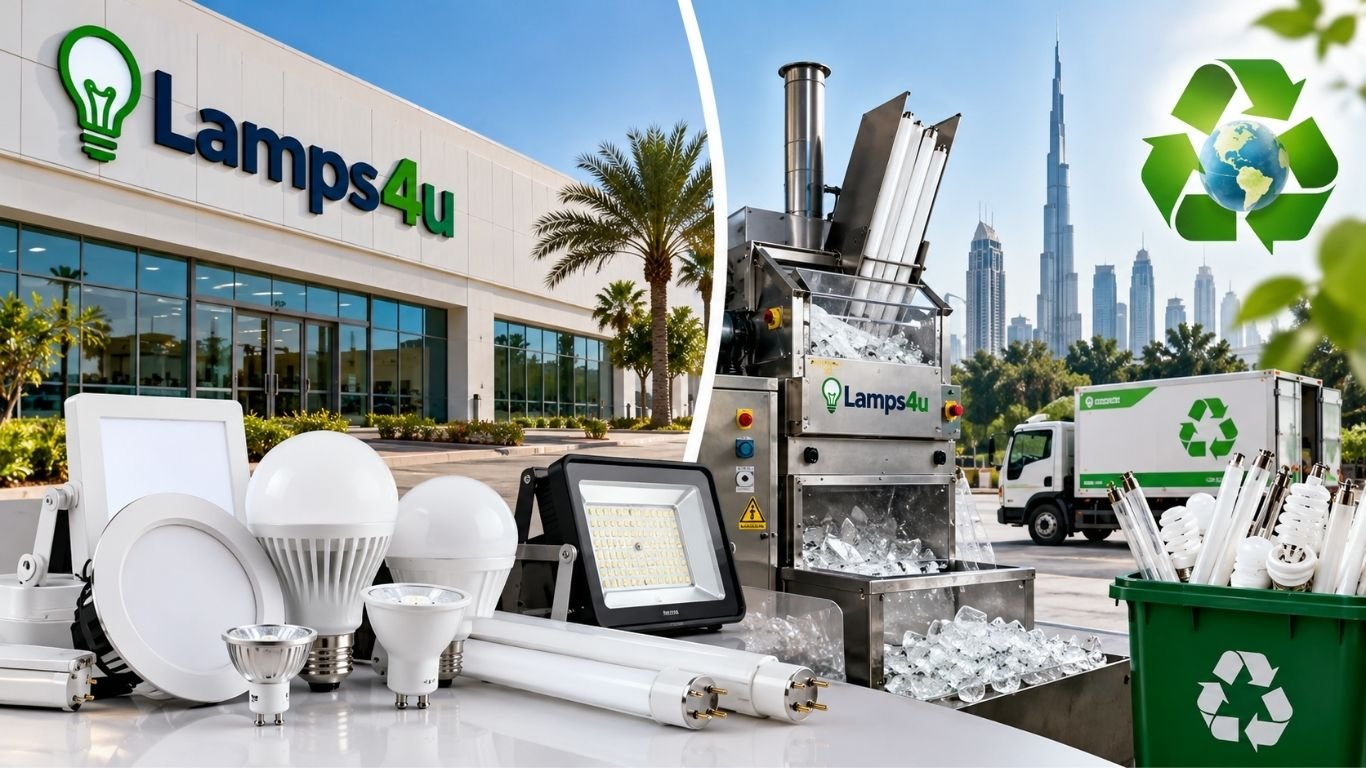
Lamps4u is a lighting company based in Dubai, United Arab Emirates. Also known as Lamps4U FZCO, it supplies LED lights, lighting fittings, and industrial equipment. Its products are used in homes, offices, shops, and large buildings. The company also works with lamp recycling equipment and waste disposal services.
Lamps4u has worked with Dulsco on a project to recycle used fluorescent lamps. Its business covers energy-saving lighting, industrial recycling machines, and safe lamp waste management.
What Is Lamps4u?
Lamps4u is a lighting supplier based in Dubai. The company provides LED lights, wall lights, fittings, and other lighting products. Its customers include homeowners, shops, offices, and industrial businesses.
The company also supplies equipment used to recycle old fluorescent lamps. This equipment helps businesses handle lamp waste that may contain mercury. Its work covers both lighting supply and waste management.
Lamps4U FZCO is listed in Dubai Silicon Oasis. Customers can contact the company to ask about lighting products, industrial equipment, and recycling services.
History and Background of Lamps4u
Lamps4u has worked in Dubai’s lighting market for several years. It supplies energy-saving lights, fittings, and equipment for commercial and industrial use. Its exact founding date is not publicly confirmed.
The company has also taken part in lamp recycling projects. One of its known projects involved a partnership with Dulsco, a waste management company in the UAE. The project focused on collecting and recycling used fluorescent lamps.
The company has also supplied industrial lamp recycling machines. These machines are made for businesses that handle large amounts of used lamps.
Lamps4u Lighting Products and Solutions
Lamps4u supplies LED lights, wall lights, lighting fittings, and other electrical lighting products. Some of its product lines are linked to the Eurolux and Genlux names.
Its lights can be used in homes, offices, shops, hotels, and industrial buildings. LED products use less power than many older bulbs. They can also last longer and need fewer changes.
Customers should check the wattage, brightness, voltage, and fitting size before buying. These details help them choose the right light for each room or building.
Energy-Efficient LED Lighting at Lamps4u
LED lights use less electricity than many older types of lighting. They also have a longer working life in many cases. This can help homes and businesses lower power use and maintenance costs.
For example, an office with many lights may use less power after changing to suitable LED products. The amount saved depends on the lights used and how long they stay on each day.
Lamps4u supplies lighting products for homes and businesses. Buyers should compare power use, light output, color, and product life before choosing a light.
Lamps4u Quality Standards and Certifications
Lighting products must meet safety and quality rules. In the UAE, some products carry the Emirates Quality Mark, also called EQM. This mark shows that an approved product meets set standards.
Some lighting products linked to Lamps4u have been listed with EQM approval. The mark was issued by the former Emirates Authority for Standardization and Metrology, known as ESMA. Buyers should check the current approval of each product.
Customers should also check voltage, wattage, safety ratings, and fitting details. For example, a 230V light must be used with a suitable power supply.
Not every product sold by a company has the same approval. Buyers should ask for valid product certificates when needed.
Lamps4u Bulb Eater 3 Recycling Machine
Lamps4u has been listed as a supplier of the Bulb Eater 3. This machine is used to crush certain types of old fluorescent lamps. It is made for sites that handle large amounts of lamp waste.
The machine can process supported fluorescent tubes, U-shaped lamps, and compact fluorescent lamps. It crushes the lamps and uses filters to capture dust and mercury vapor.
Mercury is a harmful metal found in many fluorescent lamps. If these lamps break, mercury can enter the air. The Bulb Eater 3 helps control this risk during lamp crushing.
Workers must follow safety rules when using the machine. Proper filters, training, storage, and waste disposal are also needed.
Lamps4u Lampswithbenefits Recycling Program
Lampswithbenefits is a lamp recycling program linked to Lamps4u. It was set up to help businesses collect and dispose of used fluorescent lamps safely.
The program included special containers for storing old lamps. EasyPak containers were among the products linked to the collection process. These containers help protect lamps from breaking before recycling.
Earlier reports described the company as approved by Dubai Municipality for lamp disposal work. Businesses should check the current status of any permits before using the service.
The program aimed to keep mercury-containing lamps out of normal waste bins. It also supported the recycling of useful materials from old lamps.
Lamps4u and Dulsco Partnership
Dulsco is a UAE company that provides waste management and environmental services. It has worked with Lamps4u on a project to recycle used fluorescent lamps.
The project focused on collecting and treating lamps that contain mercury. These lamps need special care because broken bulbs can release harmful materials.
During proper recycling, mercury is separated and managed as hazardous waste. Glass, metal, and some plastic parts can also be recovered for reuse.
The partnership was reported by regional news sources. Its current service terms and operating status in 2026 have not been confirmed.
Environmental Benefits of Lamps4u Recycling Services
Many fluorescent lamps contain mercury. This metal can harm people and the environment if it is not handled safely. Used lamps should not be mixed with normal waste.
Safe recycling helps control mercury waste. Old lamps are collected, stored, and treated with suitable equipment. Some glass, metal, and plastic parts can also be recycled.
Large buildings may replace many lamps during repairs or upgrades. Hotels, offices, factories, and shopping centers can produce large amounts of used lighting waste.
Proper collection and recycling help these businesses manage their waste. Trained workers and approved waste facilities are needed for safe handling.
Who Can Use Lamps4u Products and Services?
Lamps4u supplies lighting products for homes, offices, shops, and other buildings. Homeowners may need LED bulbs, wall lights, and fittings. Businesses may need larger orders for work areas and commercial spaces.
Factories and warehouses often need lights that can run for long hours. They may also need fittings made for specific work areas. The right product depends on the building and its power needs.
Facility managers may also need lamp recycling equipment. Large buildings often collect used fluorescent lamps during repair work.
Businesses can plan for both new lighting and the safe removal of old lamps. This helps them manage power use and lighting waste.
Lamps4u Location, Contact Details, and Business Hours
Lamps4u is listed in Dubai Silicon Oasis, in the Nadd Hessa area of Dubai. Its reported address is Office A2, Light Industrial Unit 4, Sheikh Mohammed Bin Zayed Road, Dubai, UAE.
The company has been listed with the phone number +971 4 333 9390. Its reported website is www.lamps4u.ae. Customers can use these details to ask about products and services.
Business listings show working hours of 8:00 AM to 6:00 PM, Saturday through Thursday. Friday is listed as closed. These hours have not been confirmed for 2026, so customers should call before visiting.
Why Choose Lamps4u for Lighting and Recycling?
Lamps4u supplies LED lights, lighting fittings, and industrial equipment. Its business also includes equipment used to handle old fluorescent lamps.
The company has worked with Dulsco on lamp recycling. It has also been linked to the Bulb Eater 3, a machine used for controlled lamp crushing.
Before buying, customers should check product stock, prices, quality marks, and delivery options. Businesses seeking recycling services should also confirm current permits, accepted waste types, and service terms.
Bottom Line
Lamps4u is a Dubai-based supplier of lighting products and industrial equipment. Its products include LED lights, wall fittings, and related lighting parts. The company has also supplied equipment for fluorescent lamp recycling.
Its Lampswithbenefits program and past work with Dulsco focused on safe lamp collection and waste treatment. These services aimed to reduce mercury risks and recover useful materials.
Customers should confirm current products, services, permits, and business hours before placing an order or arranging lamp disposal.
FAQs
What is Lamps4u?
Lamps4u is a Dubai-based company that supplies lighting products, fittings, and industrial lamp recycling equipment.
Where is Lamps4u located?
The company is listed at Light Industrial Unit 4, Dubai Silicon Oasis, Dubai, UAE.
What products does Lamps4u sell?
Its products include LED lights, wall lights, lighting fittings, and industrial lamp recycling equipment.
What is the Lampswithbenefits program?
Lampswithbenefits is a lamp recycling program designed to support the safe collection and disposal of used fluorescent lamps.
Does Lamps4u work with Dulsco?
Yes, the two companies have worked together on a project to collect and recycle used fluorescent lamps in Dubai.
READ MORE: Fentomagazine.com: Complete Guide to Its Content, Features, and SEO

eiDesk is a search term for eDesk, an AI customer support tool for online sellers. It brings messages from Amazon, eBay, Shopify, and other sales channels into one inbox. Support teams can check orders, answer buyers, and manage customer issues from one place.
eDesk also uses AI to write replies and handle common support tasks. This guide covers its main features, AI tools, store connections, pricing plans, benefits, and limits in 2026.
What Is eiDesk?
eiDesk refers to eDesk, a customer support tool made for online stores. It helps sellers manage messages from different sales channels in one place. Support teams can answer buyers without opening each store account.
The software also shows customer and order details. Agents can check past messages, shipping updates, and purchase records. This helps them understand customer problems and give clear answers.
eDesk offers AI tools, ticket tracking, and support reports. These features help businesses manage customer service as their sales grow.
Is eiDesk the Same as eDesk?
People who search for eiDesk are often looking for eDesk, an AI customer support platform. Its official name is eDesk, and its website is edesk.com.
The name Eidesk has also been used for a separate digital publishing project. That project is not linked to the eDesk customer support software.
To find the right platform, check its website and features. eDesk offers a shared inbox, order tracking, and AI tools for online sellers.
How Does eiDesk Work?
eDesk connects online stores and marketplaces to one support inbox. When a buyer sends a message, it appears in the dashboard. Support agents can read and answer it without opening another website.
For example, a customer may ask about a late Amazon order. The agent can open the message and check the linked order details. If tracking data is available, the agent can give the buyer an update.
The software also lets teams assign tickets, save replies, and set up automatic tasks. Its AI tools can suggest answers or handle simple questions. This helps staff manage daily support work.
Main Features of eidesk
The shared inbox is one of the main features of eiDesk. It collects messages from connected stores and marketplaces. Agents can sort tickets, add labels, and assign tasks to team members.
The software also shows order details beside customer messages. Agents can check purchase records, shipping updates, and past support requests. Saved replies and automatic rules help teams answer common questions.
eDesk also offers live chat, team notes, and support reports. Some plans include customer surveys and more detailed reports. These tools help businesses check support quality and team performance.
eiDesk AI Agent Ava and Automated Support
Ava is eDesk’s AI customer support agent. It can answer common questions using order details and store rules. It is built to handle some support tasks without help from a human agent.
For example, a buyer may ask, “Where is my order?” Ava can check the linked shipping data and prepare an answer. It may also help with basic return and delivery questions when the right rules are in place.
eDesk has claimed that Ava can automate up to 65% of support work in some cases. This is not a fixed result for every store. Complex refunds, complaints, and missing order details may still need human support.
How eiDesk AI Assist Helps Support Teams?
eDesk AI Assist helps agents write customer replies. It can create a draft based on the buyer’s message. The agent can then check, edit, and send the reply.
The tool can also change the tone of a message and help with other languages. For example, an agent may receive a question in Spanish. AI translation can help the agent understand it and reply in the same language.
AI Assist and Ava work in different ways. AI Assist helps people write replies, while Ava can handle some tickets on its own. Both need correct store data to give useful answers.
eiDesk Integrations With Online Marketplaces
eDesk works with major online marketplaces such as Amazon, eBay, and Walmart. These links bring customer messages into one inbox. Sellers can manage support from several sales accounts without switching between them.
The platform also connects with Shopify and WooCommerce. These links help agents view store messages and order details. eDesk supports other services, including email, live chat, and social messaging.
Not all connections offer the same features. Some share order data, while others only bring in messages. Sellers should check the supported features before choosing a plan.
How eiDesk Uses Customer and Order Data?
eiDesk links customer messages with order details from connected stores. Agents may see purchase dates, product details, shipping updates, and tracking numbers. This helps them answer questions with the right facts.
For example, a buyer may report a damaged item. The agent can check the order and past messages before replying. This may save the buyer from sharing the same details again.
Businesses must also keep customer data safe. Store owners should set clear user permissions and review who can see order records. They should also check how customer data is used by AI tools.
eiDesk Ticket Management and Performance Reports
eDesk uses support tickets to track customer issues. Each ticket keeps the related messages in one place. Agents can assign tickets, set priorities, add labels, and mark tasks as complete.
The software also provides support reports. These can show how many tickets a team handles and how long agents take to reply. Some plans offer customer surveys and more detailed reports.
For example, a store may receive many questions about late orders. Its reports can help the team spot this issue. The business can then improve shipping updates or create automatic replies for common delivery questions.
eiDesk Pricing Plans and Extra Costs
eDesk offers four main plans: Essential, Growth, Professional, and Enterprise. Each plan has different features and store limits. The software uses per-user pricing, with monthly and annual billing options.
The following prices are based on the supplied annual billing rates. They should be checked on the official pricing page before purchase.
| Plan | Price per user/month | Store limit |
|---|---|---|
| Essential | $39 | 1 store |
| Growth | $89 | 5 stores |
| Professional | $119 | 10 stores |
| Enterprise | Custom pricing | Unlimited stores |
Essential includes a shared inbox and basic support tools. Growth adds more automation and reports. Professional offers more detailed tools, while Enterprise is made for larger teams with complex needs.
Extra AI features may cost more. The supplied pricing details list AI Agent outcomes at $0.99 each, but current charges should be confirmed with eDesk. The platform also offers a 14-day free trial. Sellers can check the latest plans at edesk.com/pricing.
Benefits and Limitations of eiDesk
One main benefit of eiDesk is its shared inbox. Agents can answer messages from different stores in one place. This cuts down the time spent moving between sales platforms.
AI tools can also help with repeat questions about orders, shipping, and returns. Order details help agents give clear replies. Support reports show how well the team is working and where problems occur.
The software also has some limits. Costs can rise when a business adds users or paid AI tools. AI may give poor answers if store data is missing or wrong. Teams must also spend time setting up their accounts and checking automatic replies.
Is eiDesk Right for Your Online Store?
eiDesk may suit businesses that sell through several online stores or marketplaces. It can help teams that receive many customer messages each day. Sellers using Amazon, eBay, and Shopify may find the shared inbox useful.
Small stores should first check how much support work they handle. A business with only a few weekly messages may not need a paid helpdesk. Other tools, such as Gorgias, Zendesk, and Freshdesk, are also worth comparing. Gorgias focuses on online stores, while Zendesk and Freshdesk support many types of businesses.
eDesk offers a free trial so sellers can test its tools. They can connect their stores, check message syncing, and try AI replies. They should also review store limits, team costs, and extra AI fees before choosing a plan.
Final Thoughts
eDesk is an AI customer support tool for online sellers. It brings messages from different stores and marketplaces into one inbox. Its main features include order tracking, ticket management, AI Agent Ava, and support reports.
The software can help teams answer buyers and handle common support tasks. However, its value depends on store size, support needs, and monthly costs. Sellers should compare the plans and test the features before paying.
For businesses that sell through several online channels, eiDesk offers a way to manage customer support from one dashboard.
FAQs
What is eiDesk used for?
eiDesk refers to eDesk, a tool that helps online sellers manage customer messages, orders, and support tickets in one place.
Is eiDesk the same as eDesk?
eiDesk is a common search variation of eDesk, an AI-powered customer support platform for online sellers.
How much does eiDesk cost in 2026?
The supplied annual rates start at $39 per user per month, but sellers should check eDesk’s website for current prices.
Does eiDesk work with Amazon and Shopify?
Yes, eDesk connects with Amazon, Shopify, eBay, Walmart, and other online selling platforms.
Does eiDesk offer a free trial?
Yes, eDesk offers a 14-day free trial so businesses can test its support tools before buying a plan.
READ ALSO: What Is Tozymagazine.com? A Complete Website Guide
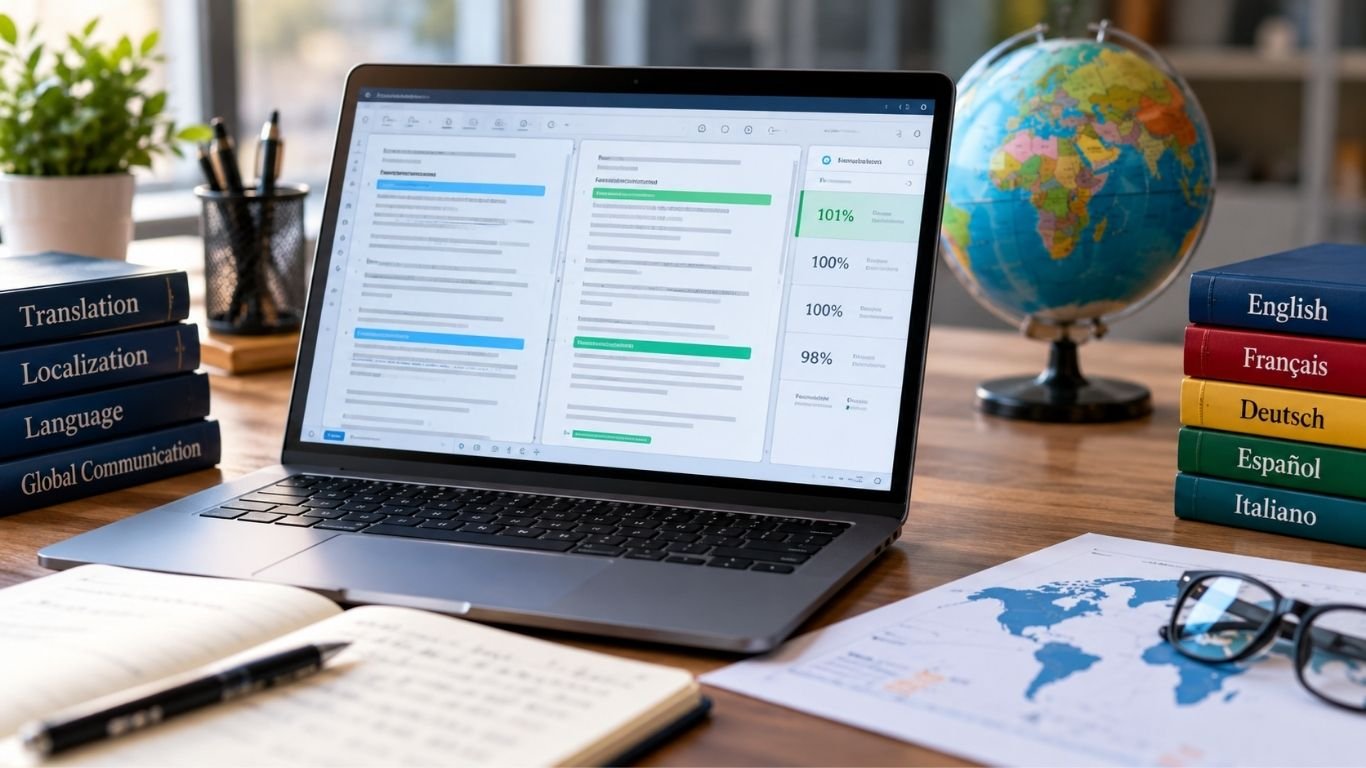
Context match is a type of translation memory match used in computer-assisted translation (CAT) tools. It happens when a sentence matches saved text and the text around it also matches. It is often called a 101% match or perfect match. This helps translators reuse past work with more trust.
It is used to translate websites, software, and documents. This article explains how it works, the types of matches, their benefits, common problems, and other uses.
What Is a Context Match?
A context match happens when a text segment is the same as one saved in translation memory. The text around it must also match. This helps translators check if an old translation fits the new file.
Translation memory stores source text and its past translations. When the same text appears again, the software finds the saved version. The translator can then check and reuse it.
For example, a company may use “Your order is ready” in many files. If the sentence and nearby text match a saved record, the tool may show a 101% match. This can save time when translating the same content again.
How Does Context Match Work?
Translation tools compare new text with saved translations. They first check if the words are the same. They then check the text around them or other saved details.
The process works in these steps:
- The translator opens a file in a CAT tool.
- The tool splits the text into small parts called segments.
- Each segment is checked against saved translations.
- The tool checks nearby text to find a match.
- The saved translation is shown for review or reuse.
For example, a guide may contain “Press the green button.” The same sentence may appear in another guide. If the text around it also matches, the tool may find a 101% match.
This is useful for long files with repeated text. It helps translators spend less time on work they have already done.
Context Match vs. 100% Match
A 100% match means the new source text is the same as a saved segment. However, the text around it may be different.
A 101% match checks both the source text and its context. This gives more proof that the saved translation fits the new file.
| Feature | 100% Match | 101% Match |
|---|---|---|
| Source text | Exact match | Exact match |
| Nearby text | May differ | Matches saved context |
| Match name | Exact match | Context match |
| Confidence | High | Often higher |
| Review | May be needed | May still be needed |
For example, “Save” can mean storing a file or keeping money. A 100% match may find the same word in both cases. A match with the right context can help show which meaning fits.
Still, a 101% match does not mean the translation is always correct. Errors in saved text can appear again.
Understanding 101% Context Matches
A 101% match means the source text and its required context match a saved record. The number is a label used by translation tools. It does not mean the translation is more than 100% correct.
Some CAT tools check the text before or after a segment. Others use more saved details. The rules depend on the software.
These matches are useful when companies update old files. For example, a new software guide may contain many steps from the last version. The tool can find these steps and suggest their saved translations.
Some projects allow approved 101% matches to be reused with little editing. However, the translator may still need to check them.
What Is a 102% Double-Context Match?
A 102% match is called a double-context match in memoQ. It checks the source text and two types of context. These may include nearby text and a saved ID.
A structural ID is a label that shows where text belongs. It may come from a website, software file, or content system. It helps the tool tell apart text that looks the same but has different uses.
| Match Type | What It Checks |
|---|---|
| 100% | Exact source text |
| 101% | Exact source text and context |
| 102% | Exact source text and two types of context |
For example, two software screens may have a button called “Open.” A saved ID can help show which screen the button belongs to. This helps the translator use the right text.
Not all CAT tools use the 102% label. Match names and rules can change from one tool to another.
Context Match in Translation Memory and CAT Tools
Translation memory is a key part of CAT software. It saves past translations for later use. This is helpful for websites, user guides, product pages, and software files.
Tools such as memoQ and Trados Studio use translation memory to find repeated text. They compare new segments with saved records and show the results.
The translator checks the suggested text before using it. If it is correct, it can be accepted. If the meaning or style has changed, it can be edited.
For example, a company may translate a safety guide into ten languages. When a new version comes out, many parts may stay the same. Translation memory helps reuse those parts while translators work on the new text.
Why Context Matters in Translation?
Words can have different meanings based on how they are used. Translators need to read the text around a word to find its meaning.
For example, “Home” can mean a house or the main page of a website. The word is the same, but its meaning changes with the topic.
The same is true for words such as “Open,” “Close,” and “Account.” These words appear in many types of files. A saved translation may fit one use but not another.
Context helps translators choose the right meaning. It is useful for short labels, buttons, menus, and repeated steps. It also helps teams use the same terms across related files.
Real-Life Examples of Context Match
Website translation is one common use. Websites often repeat the same text in menus, help pages, and account sections. Translation memory can find these parts and suggest past translations.
For example, an online store may use “Your payment was successful” on many checkout pages. If the text and context match a saved record, the tool can suggest the same translation.
Software translation is another example. Apps use short labels such as “Back,” “Next,” and “Cancel.” These words may need different forms in other languages based on their use.
Business reports also contain repeated text. A company may use the same warning or legal note in many files. Translators can reuse an approved version when the context fits.
However, the same word can still have different meanings. For example, “Draft” may mean an unfinished document or a flow of air. This is why checking context is important.
Benefits of Using Context Matches
One main benefit is saving time. Translators can reuse text they have already translated. They do not need to start each repeated sentence from the beginning.
Another benefit is keeping text the same across files. A company may use the same terms on hundreds of pages. Saved translations help keep those terms consistent.
The main benefits include:
- Less repeated work: Old translations can be reused.
- Better consistency: The same terms can be used across files.
- Faster updates: Teams can focus on new or changed text.
- Lower costs: Less new work may reduce translation costs.
- Easier review: Translators can check new text against saved records.
These benefits depend on the quality of the saved translations. If old records contain mistakes, those mistakes may be used again.
Some translation services charge less for repeated text. However, prices depend on the project and the service provider.
Common Problems and Limits of Context Matches
A high match score does not always mean the translation is correct. Saved text may contain errors, old terms, or words that no longer fit the project.
For example, a company may change a product name. An old translation may still use the former name. Even if the text and context match, the saved version may need to change.
Poor translation memory can also cause problems. Records from different projects may use different terms or writing styles. This can make it hard to choose the best version.
Changes in file structure may affect matching as well. If a document is split into different segments, the tool may not find the same context.
Human review is still needed for important content. This is true for legal, medical, and safety text, where even a small error can cause harm.
How to Improve Context Match Accuracy?
Translation memory should be checked and updated often. Old terms and wrong translations should be fixed. This helps stop errors from being used again.
Clear source text also helps. Short and complete sentences are easier to translate. Teams should use the same words for the same ideas when possible.
Useful ways to improve matching include:
- Remove wrong or old translations.
- Use approved terms in related projects.
- Keep file structure and IDs when possible.
- Check how the software splits text into segments.
- Review saved text before using it in important files.
Teams can also use a glossary. A glossary is a list of approved terms and their translations.
For example, a software company may choose one translation for “Settings.” Adding it to a glossary helps the team use the same term across the product.
Contextual Matching Beyond Translation
Contextual matching is also used in cybersecurity. Security tools can check the details around a possible threat instead of looking at one data pattern alone.
For example, a tool may find a long string that looks like a secret key. It can check where the string appears and how it is used. This may help show whether it is a real threat or harmless test data.
Security systems may check:
- User actions and account activity.
- File types and data sources.
- Device and network details.
- Business rules and access rights.
- Past behavior and known risks.
These checks can help reduce false positives. A false positive happens when a system reports a threat that is not real.
Contextual matching is also used in data engineering. Teams may compare names, addresses, IDs, and other details to find records that belong to the same person or item.
For example, two customer records may have slightly different names but share the same verified account ID. Other details can help show if they belong to one customer.
These uses are different from translation memory. They use context to check information, but they do not follow the same 100%, 101%, and 102% match system.
Final Thoughts
Context match helps translation tools find saved text that has the same source words and context. It allows translators to reuse past work when the content appears again.
A 100% match checks exact text. A 101% match also checks context. Some tools, such as memoQ, use 102% for double-context matches.
These matches can save time, reduce repeated work, and keep translations consistent. However, saved text can still contain errors. Translators should check important content before using it.
FAQs
What is a context match in translation?
A context match happens when the source text and its required context match a saved translation memory record.
What is the difference between a 100% and 101% match?
A 100% match checks exact text, while a 101% match also checks the saved context.
What does a 102% match mean in memoQ?
A 102% match means the source text and two types of saved context match.
Why is context matching useful in CAT tools?
It helps translators reuse saved text, save time, and keep translations consistent.
Can a context match be wrong?
Yes, a saved translation can contain mistakes or old terms, even when the text and context match.
READ MORE: What Is Tozymagazine.com? A Complete Website Guide

Lamps4u FZCO: Complete Guide to Products, Services, and Location

eiDesk Guide: Pricing, AI Agent Ava, and Key Features

What Is Context Match? A Simple Guide to 100%, 101%, and 102% Matches

Jessica Burton: The Untold Story of Richard Burton’s Younger Daughter

All About Amy Cho: Everything to Know About Henry Cho’s Wife

Etheline Margareth Lewis Enoch: Meet Alfred Enoch’s Mother
-
 Celebrity2 months ago
Jessica Burton: The Untold Story of Richard Burton’s Younger Daughter
-
 Celebrity2 months ago
All About Amy Cho: Everything to Know About Henry Cho’s Wife
-
 Celebrity2 months ago
Etheline Margareth Lewis Enoch: Meet Alfred Enoch’s Mother
-

 Celebrity1 month ago
Who Is Julia Savage? Inside the Life of Adam Savage’s Wife
-

 Celebrity2 months ago
Meet Danielle Haas: The Tony Dokoupil’s Ex-Wife
-

 Celebrity2 months ago
Erin Hurley: Where Is Jeff Bauman’s Ex-Wife Now?
-

 Celebrity2 months ago
What Happened to Lucille Ascolese After Divorcing Roy Rogers?
-

 Celebrity1 month ago
Who Was Tom Welling’s First Wife? The Story of Jamie White Welling